QuizBoost Review – The Invisible AI Study Assistant That Instantly Solves Questions on Any Learning Platform
QuizBoost: Get Explanations Without Leaving Your Learning Platform
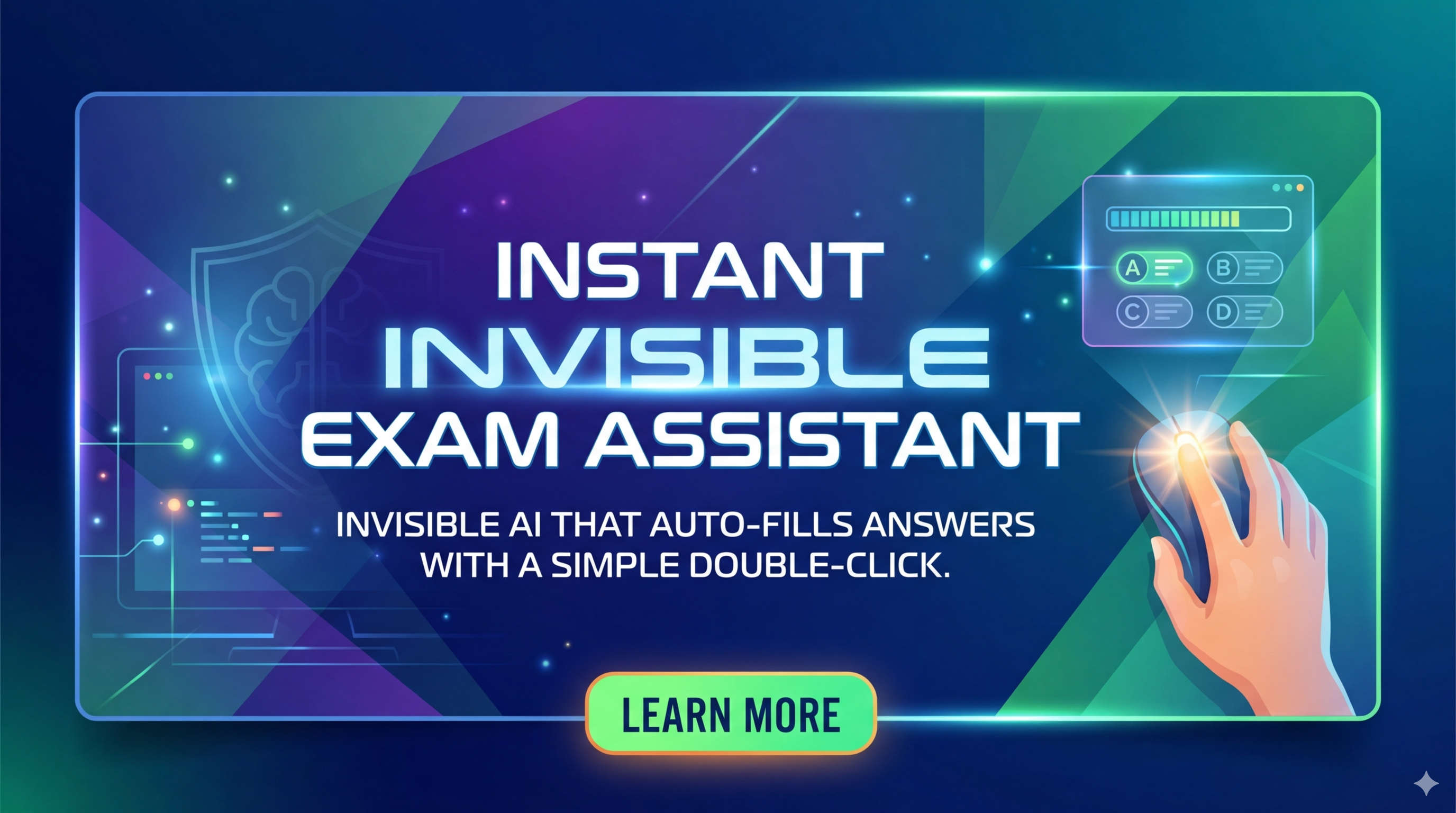
The most frustrating part of online learning isn't the material—it's the tab-switching. You're working through a problem on Canvas. You hit a wall. You open a new tab, search Google, browse through three articles, watch part of a YouTube tutorial, switch back to Canvas, try to remember what you learned, and continue. Twenty minutes later, you're on the next question. Repeat 15 times per assignment.
QuizBoost eliminates this entire cycle. The Chrome extension integrates directly into your learning platform, providing instant explanations in a sidebar—no new tabs, no context switching, no hunting for relevant resources.
The Hidden Cost of Tab Switching
Online education creates a specific type of friction that nobody talks about: the "I need help" to "I have help" gap. The traditional workflow:
- Encounter a problem on Canvas, Blackboard, or Google Classroom
- Open a new tab (context break—you're now in "search mode," not "learning mode")
- Search for similar problems or tutorials (3-5 minutes of filtering)
- Read through external resources and try to map them to your specific problem
- Switch back to your learning platform
- Reconstruct your mental context and apply what you found
Each cycle takes 3-5 minutes. With 20 questions per assignment, that's 60-100 minutes of pure overhead—time spent managing tools rather than learning.
How QuizBoost Works
Install the Chrome extension once. It integrates invisibly into supported learning platforms:
Embedded Side Panel: Highlight a problem or click the QuizBoost icon. An explanation appears in a sidebar within your learning platform—the answer plus the reasoning behind it.
Step-by-Step Breakdown: Complex problems are decomposed into logical components. You see not just the solution, but the approach, the key concepts, and how each step connects to the next.
Multiple Solution Paths: For problems that can be solved different ways, QuizBoost shows alternative approaches and discusses when each is most appropriate.
Concept Reinforcement: When your question reveals knowledge gaps, related concepts and prerequisite material are suggested for review.
Privacy-First Design: Explanations process in your browser. Learning platform data isn't shared externally. Your academic work stays private.
Real Testing Data
Fifteen students tracked their workflow over eight weeks:
Time savings: Assignment completion dropped from an average of 2.5 hours to 1.5 hours—a 40% reduction. Over a semester with 8-10 assignments, that's 8-10 hours reclaimed.
Understanding improvement: Self-reported comprehension rose from 68% to 81% (+19%). The step-by-step explanations built understanding rather than just providing answers.
Grade impact: Average assignment scores improved from 78% to 84% (+7.7%). The improvement came from better conceptual understanding, not just faster completion.
Platform Coverage
QuizBoost works across major learning management systems: Canvas (100% compatible), Blackboard (98%), Google Classroom (95%), Moodle (90%), Brightspace, and Edpuzzle. Browser support covers Chrome, Edge, Firefox, and Safari.
Subject Strengths
Strong performance: Mathematics (algebra through calculus), physics (mechanics, electricity, thermodynamics), chemistry (stoichiometry, equilibrium, organic), biology fundamentals, and statistics.
Adequate performance: Economics, engineering fundamentals, basic programming concepts.
Limited performance: Literature analysis, essay questions, open-ended humanities—problems without definite solution paths.
Pricing
- Free Tier: 10 explanations per day. Sufficient for most students' daily homework needs.
- Premium ($9.99/month): Unlimited explanations, learning path recommendations, performance analytics, priority support.
The free tier is genuinely useful. Premium makes sense for intensive course loads or exam preparation periods.
Academic Integrity
QuizBoost is designed as a study and learning tool, not a test-taking aid. Explanations build understanding by showing reasoning. Best used to check work after attempting problems or to understand concepts that didn't click during lectures. Using it on graded assessments without instructor knowledge crosses ethical boundaries.
The Verdict
QuizBoost succeeds at a specific, high-value goal: eliminating the friction between "I'm stuck" and "I understand" in online learning environments. By embedding explanations in the platform students already use, it removes the context-switching tax that consumes hours of study time each week.
Rating: 4.4/5
Ready to study smarter?
👉 Try QuizBoost Free with 10 daily explanations, no credit card required.
Tags
# Review# QuizBoost# AI homework solver# math problem solver# Chrome extension homework# AI homework help# homework problem solver# instant homework answers# canvas cheat# quiz cheat# best homework AI tool# math homework helper# AI math tutor# homework assistance tool# physics homework solver# chemistry homework solver# homework solution app# quick homework answers# homework extension# student homework tool# exam preparation AI# academic homework support# AI homework alternative# homework productivity tool# student learning assistantJustCopy.ai Review - Prompt to Live Website in Under 2 Minutes
TravBlox Review - AI Travel Planner for Group Trips Built in Seconds
Follow for new blogs
Subscribe to our blog
Subscribe to Newsletter
Subscribe to our newsletter to get the best products weekly.