AIChatOne Review - All-in-One AI Assistant Chrome Extension
AIChatOne: Your AI Models, One Keyboard Shortcut Away
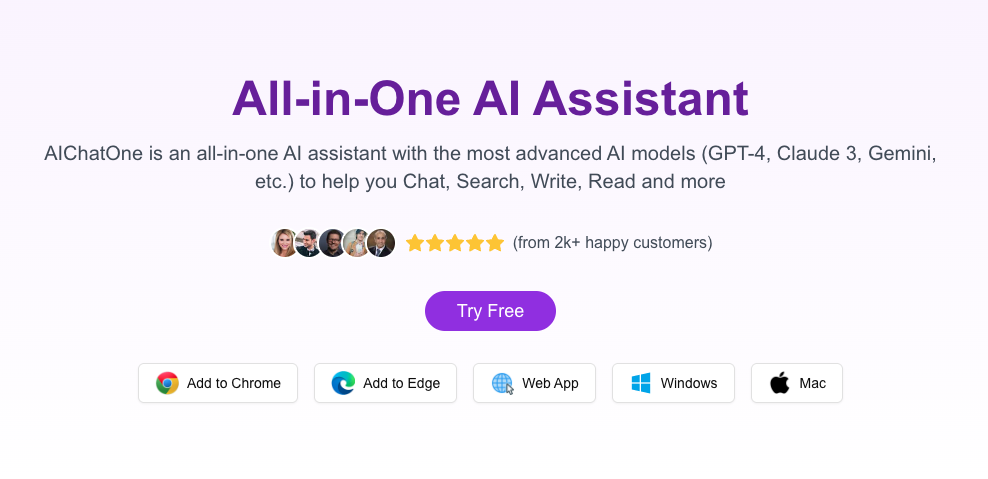
The modern knowledge worker's browser looks absurd: ChatGPT in tab 3, Claude in tab 7, Gemini in tab 12, DeepSeek in tab 15. You're paying for four subscriptions, managing four sets of conversation history, and alt-tabbing yourself into cognitive fragmentation forty times a day.
AIChatOne proposes a deceptively simple fix: put them all in one Chrome extension. No tabs. No context loss. No "which AI did I ask this question yesterday?" hunting expeditions.
The Multi-Model Reality
Each major AI model genuinely excels at different things, and the people who get the most value from AI are the ones who use multiple models strategically:
- ChatGPT dominates general reasoning and broad-knowledge tasks
- Claude shines at nuanced writing, document analysis, and careful reasoning
- Gemini offers tight Google ecosystem integration and strong visual understanding
- DeepSeek provides exceptional value for high-volume, cost-sensitive workloads
The problem isn't that you need multiple models. The problem is that accessing them currently requires a tab for each one. AIChatOne solves this by becoming a unified interface—a sidebar you summon with Ctrl+Shift+J that lets you pick any model from a dropdown.
How It Actually Works
Install the extension. Add your API keys from OpenAI, Anthropic, and Google. That's it. Your keys live in your browser's local storage—they never touch AIChatOne's servers. When you send a message to Claude, it goes directly from your browser to Anthropic's API. AIChatOne is the interface, not the middleman.
The workflow becomes muscle memory within a day:
- Press Ctrl+Shift+J wherever you are in the browser
- The extension opens as a sidebar or floating panel
- Pick your model from the dropdown
- Type your question
- Get the response without ever leaving your current tab
Where the Value Compounds
Writing and Editing: Draft in ChatGPT, polish in Claude, fact-check with Gemini. Three passes, one interface, zero tab switching.
Research: You're reading a 40-page PDF. Select text, hit your shortcut, ask Claude to summarize. Then ask ChatGPT to identify methodological weaknesses. Then ask Gemini to find related studies. The sidebar stays open while you read—no context loss.
Coding: Debugging a tricky problem? Ask Claude for a root-cause analysis, ChatGPT for implementation options, and Gemini for Google API integration suggestions. All three responses visible in one scrollable history.
Customer Analysis: Feed a support ticket to all three models simultaneously. Compare their sentiment analyses and recommended responses. Pick the best one.
Privacy Architecture
This is where AIChatOne distinguishes itself from SaaS AI wrappers:
- API keys stored locally in browser extension storage, encrypted at rest
- Conversation history lives in your browser (or optionally syncs to your Google account)
- No data passes through AIChatOne's infrastructure
- Each AI provider receives requests as if you sent them directly from their own interface
The tradeoff: you need your own API keys from each provider. Setup takes about 15 minutes the first time. After that, it's transparent.
The Cost Advantage
AIChatOne itself is free—no subscription, no credit system. You pay only for API usage:
- ChatGPT API: roughly $0.003 per 1K input tokens
- Claude API: roughly $0.003-$0.015 per 1K tokens depending on model
- Gemini API: free tier available, then pay-as-you-go
For moderate daily use across all models, expect $5-15/month total. Compare that to ChatGPT Plus ($20/month) plus Claude Pro ($20/month) and you're saving $25-35 monthly while gaining multi-model flexibility.
Who This Is For
AI power users who already use multiple models and are tired of tab chaos. The keyboard shortcut alone justifies installation.
Researchers and analysts who need different AI perspectives on complex problems. The sidebar mode lets you stay in your reading flow while querying models.
Developers who want AI accessible while coding. Sidebar mode plus model switching is faster than any tab-based workflow.
Content creators who use different models for different stages: ideation, drafting, editing, fact-checking.
Who Can Skip This
If you use one AI model once a week, native interfaces are fine. If you're not comfortable setting up API keys, the initial configuration will feel like friction. If your team has standardized on a single provider and you don't need multi-model flexibility, AIChatOne adds a layer you don't need.
Comparison With Native Interfaces
The native interfaces (chat.openai.com, claude.ai) win on having the absolute latest features—Canvas in ChatGPT, Artifacts in Claude. AIChatOne wins on workflow efficiency. The question is which matters more for your daily usage. For most people doing serious work across multiple models, the time savings from unified access outweigh the few days of feature lag.
Done alt-tabbing between AI tools? AIChatOne puts ChatGPT, Claude, Gemini, and more in one Chrome extension with local key storage and instant keyboard access.
👉 Get AIChatOne for Chrome. Free to install. Bring your own API keys from OpenAI, Anthropic, and Google.
VidSeeds.ai Review - Pre-Upload Video SEO Platform That Analyzes Your Real Footage Before You Hit Publish
QuizShot Review - AI Chrome Extension Solving Homework Problems in Seconds with 95% Accuracy
Follow for new blogs
Subscribe to our blog
Subscribe to Newsletter
Subscribe to our newsletter to get the best products weekly.